AI Follow-Up for Tour Operators: Win Bookings in 5 Minutes
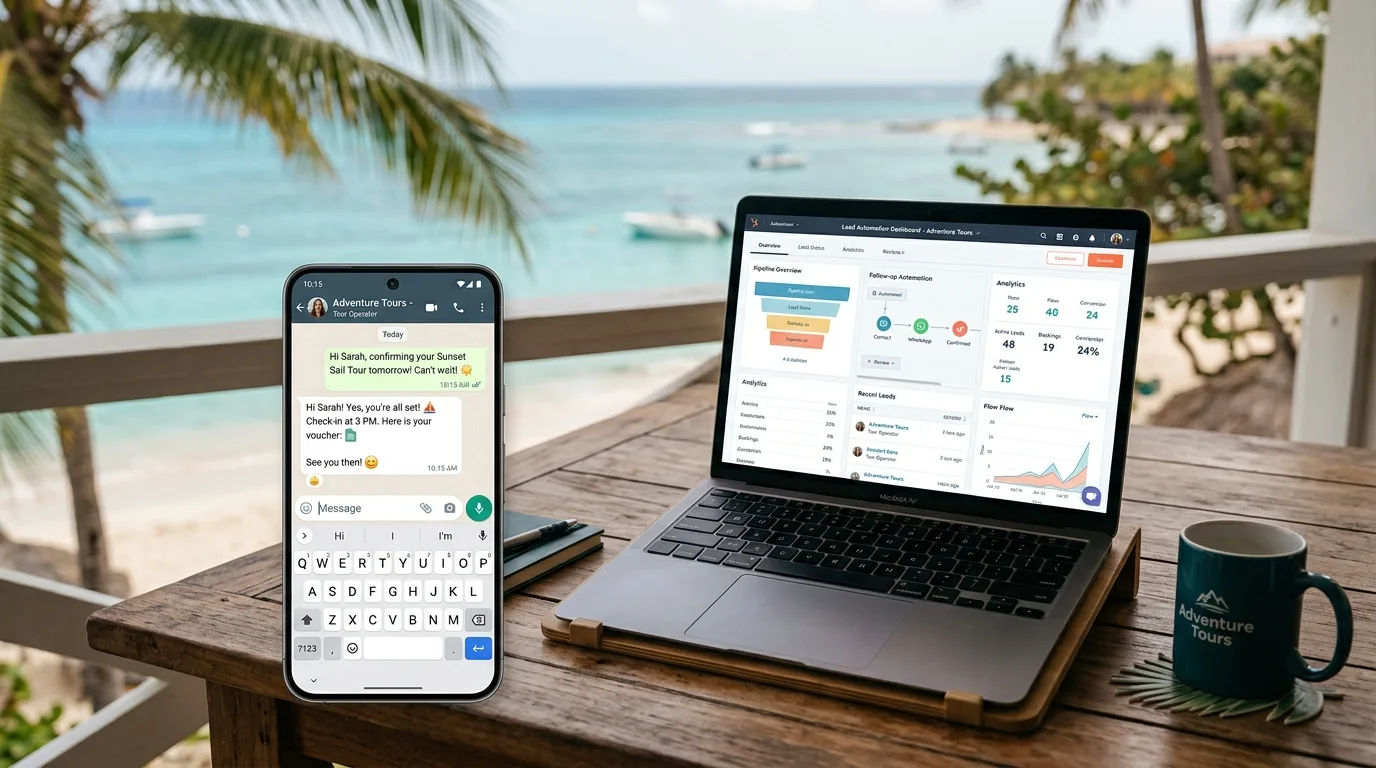
Most tour operators have a revenue leak they don't know about. A traveler finds your website, fills out an inquiry form, and waits. You're out guiding a group, handling check-in, or asleep in a different time zone. By the time you respond — hours or days later — they've already booked with someone else.
78% of customers buy from the first company to respond (Salesforce, 2025). For tour operators competing against OTAs, aggregators, and dozens of local competitors, your response speed isn't a courtesy — it's your single biggest conversion lever.
This guide shows you exactly how to build an automated lead follow-up system using Make.com, WhatsApp Business, and a basic CRM. You don't need a developer. The full setup takes 3–5 hours and costs $49–$99/month. Most operators see a measurable increase in inquiry-to-booking conversion within the first two weeks. It's the tour-operator chapter inside the AI for Hotels, Restaurants & Tourism: 2026 Playbook.
Key Takeaways
- 78% of travelers book with the first operator to respond — and the average business takes 40+ hours to reply (LeadResponse, 2026)
- Responding within 5 minutes makes you 21x more likely to qualify a lead vs. waiting 30 minutes (MIT/InsideSales, 2025)
- The tours & experiences market hit $271 billion in 2025 — but only 33% of bookings happen online, meaning most revenue comes through manual inquiry → follow-up (Arival/Phocuswright, 2025)
- Automated follow-up tools for tour operators cost $49–$149/month and typically pay back within the first recovered booking
Why Tour Operators Lose Most of Their Leads Before Noon
The average lead response time across industries exceeds 40 hours, and 63% of companies never respond at all (LeadResponse, 2026). For tour operators, those numbers are often worse — you're in the field, not at a desk, and inquiry forms stack up overnight.
The window for winning a lead is brutally short. According to MIT and InsideSales.com research (cited by LeadAngel, 2025), your chances of qualifying a lead drop by 21x between the 5-minute mark and the 30-minute mark. By 24 hours, you're competing against a traveler who has already booked with a competitor and is now researching what to pack.
This matters more for tour operators than almost any other business type because:
- Travelers are in comparison-shopping mode — they submit multiple inquiries simultaneously
- Booking decisions are emotionally charged — the first warm, personal response wins the relationship
- Many inquiries come from time zones 3–12 hours ahead — Europeans booking a Los Cabos whale shark tour at 9 AM their time expect a response before dinner
Working with tour operators in Los Cabos, I've seen this pattern play out directly: an operator with a stunning 5-star product loses a $2,800 whale watching charter to a competitor whose form-fill response arrived 40 minutes earlier. The slower operator wasn't less professional — they just didn't have automation in place.
The fix isn't hiring a 24/7 receptionist. It's automating the first response so that every lead gets a personalized acknowledgment — with availability, pricing, and a booking link — within 60 seconds of submitting their inquiry.
What Does an Automated Lead Follow-Up System Look Like?
A complete tour operator lead follow-up system has four components: instant acknowledgment, lead capture to CRM, a multi-message follow-up sequence, and a booking close prompt. When wired together correctly, this system contacts a new lead within 60 seconds — before you've even seen the inquiry notification.
Here's how the four pieces connect:
Component 1 — Instant Acknowledgment (0–60 seconds) The moment someone submits your inquiry form, an automated message fires via WhatsApp, SMS, or email. It thanks them by name, confirms their requested date, mentions availability, and provides your booking link. This isn't a generic "we received your message" — it's a personalized response built from their form data.
Component 2 — Lead Capture to CRM Simultaneously, the lead's data gets written to a CRM (HubSpot free tier, Airtable, or Google Sheets). Every future interaction — responses, calls, bookings — gets logged automatically. You stop losing leads in your inbox and start building a pipeline you can see and manage.
Component 3 — Follow-Up Sequence (Day 1, 3, 5, 7) If the lead doesn't book immediately, the system follows up automatically on a pre-set schedule. Each message provides new value: social proof, a seasonal offer, an FAQ answer, or a time-limited slot availability note. Most conversions happen on the 3rd or 4th touchpoint — which almost no one sends manually.
Component 4 — Booking Close Prompt After the sequence, the system sends one final message with urgency: "Availability is limited for your date — would you like to hold your spot?" If they click yes, they're taken directly to booking. If no, they're tagged in the CRM for a future re-engagement campaign.
I've built this setup for tour operators across Los Cabos — ATV tours, yacht charters, whale watching, cooking classes. The pattern is consistent: once the first automated message fires within 60 seconds of inquiry, operators describe the experience as "leads calling us back instead of the other way around." The dynamic shifts completely because you've already established responsiveness before the traveler has finished comparing their options.
For a broader overview of what workflow automation can do for your business, see our guide to AI automation for small businesses.
What You'll Need: Tools and Cost
The full system runs on three tools and costs $49–$99/month for most tour operators. Here's what each component costs:
| Tool | Monthly Cost | What It Does |
|---|---|---|
| Make.com | $9–$16/mo | The automation engine — connects your form, CRM, and messaging |
| WhatsApp Business API | $0–$15/mo | Sends automated messages (1,000 free conversations/month) |
| CRM (HubSpot or Airtable) | Free – $20/mo | Stores leads and tracks follow-up status |
| Twilio (SMS backup) | $10–$20/mo | SMS follow-ups for US-based leads who don't use WhatsApp |
| Total | $19–$71/mo | Full automated lead follow-up system |
You don't need a dedicated booking software to start. If you already use Rezdy, Peek Pro, or Xola, Make.com can integrate directly with their webhooks — your system then pulls availability in real time and includes it in the first response message.
The global tour operator software market was valued at $756.5 million in 2025 (Astute Analytica via GlobeNewswire, December 2025) and is growing at 12.8% annually — meaning more purpose-built tools are arriving every quarter. But for most independent operators, the Make.com approach gives you 90% of the functionality at 20% of the cost of an enterprise platform.
For step-by-step guidance on getting started with Make.com if you haven't used it before, see our Make.com beginner's guide.
Step-by-Step: Build Your Lead Follow-Up Automation
Here's the exact build process. This takes 3–4 hours on your first attempt. After building it once, you'll be able to modify sequences in under 30 minutes.
Step 1: Set Up Your Inquiry Form (30 min)
Your form needs to capture these fields to make the automation personalized:
- First name (required for personalization)
- Email address (for sequence delivery)
- WhatsApp/phone number (for instant first message)
- Preferred tour date (for availability lookup)
- Party size
- Tour interest (dropdown of your products)
If you're using Typeform, Jotform, or a native website form, Make.com connects to all of them natively. If your inquiry goes into an email inbox instead of a form, you can still trigger the automation off the email received — it's just slightly more complex to parse. Operators who want to capture more inquiries from the website itself — not just respond faster to the ones they already get — should pair this follow-up flow with AI lead capture tools that bolt onto an existing website, like a chatbot widget or smart form.
Step 2: Connect Your Form to Make.com (45 min)
- Create a free Make.com account at make.com
- Create a new scenario
- Set the trigger module to your form tool (Typeform, Jotform, Google Forms, or "Webhooks")
- Run a test submission with fake data to confirm Make.com receives the form fields correctly
- Map each field (name, email, phone, date, party size) to Make.com variables
At this point your scenario is "watching" for new form submissions. Nothing sends yet — you're building the pipeline first.
Step 3: Build the Instant WhatsApp Response (60 min)
Add a second module to your scenario: WhatsApp Business → Send Message
Your first message template:
Hi {{name}} — thanks for reaching out about {{tour_name}}!

I checked your date ({{date}}) — we have availability for a group of {{party_size}}.

Pricing: [your price here]

Ready to book your spot? Go here: [your booking link]

Questions? Just reply here — I'll get back to you personally.

— Mario, [Your Tour Company Name]
Key personalization variables: {{name}}, {{tour_name}}, {{date}}, {{party_size}}. Make.com pulls these directly from your form submission.
WhatsApp Business setup note: You'll need a WhatsApp Business API account. For most tour operators, the free tier (1,000 service conversations/month) covers all inbound inquiries. If you serve primarily US clients, add a Twilio SMS module as a parallel path — not everyone in the US has WhatsApp.
Step 4: Add Lead to Your CRM (30 min)
After the first message fires, add a third module: HubSpot → Create/Update Contact (or Airtable/Google Sheets if you prefer a simpler setup).
Map these fields to your CRM:
- Contact name, email, phone
- Lead source (your form name)
- Tour interest and preferred date
- Lead status: "New — Auto-contacted"
- Timestamp of first contact
Now every lead has a record. You can see at a glance who's been contacted, who's responded, and who's gone quiet — without digging through your WhatsApp or email.
Step 5: Build the Follow-Up Email Sequence (60–90 min)
Set up a delayed email sequence triggered when a lead is added to your CRM without a booking. Use Make.com's "Sleep" module or connect to a simple email tool like Mailchimp or Brevo (both free at basic tier):
| Message | Timing | Content |
|---|---|---|
| Day 1 | 4 hours after inquiry | "Hi [Name], just making sure my earlier message came through — here's a bit more about what to expect on your tour..." |
| Day 3 | If no booking | Social proof — guest reviews, photos, or a short video from a recent tour |
| Day 5 | If no booking | Address a common objection: "Not sure if the timing is right? Here's what past guests said about [their concern]..." |
| Day 7 | Final follow-up | "A few spots remain for your date — are you still interested? Happy to answer any questions before you decide." |
The 44% problem: Studies show 44% of salespeople give up after just one follow-up attempt (Vendasta, 2025). Your automated sequence runs 4 touchpoints without you lifting a finger — putting you in the top 5% of operators by follow-up persistence.
Step 6: Test Everything Before Going Live (30 min)
Submit a test inquiry using your own phone number and email. Verify:
- WhatsApp message arrives within 60 seconds
- CRM record created with correct data
- Email sequence schedules correctly
- All personalization variables display properly (no {{name}} placeholders showing up)
Fix any data mapping issues before pointing real leads at this system.
How to Write Follow-Up Messages That Actually Convert
The difference between a follow-up sequence that converts and one that gets ignored is specificity. Generic "just checking in" messages die in the inbox. Messages that reference the traveler's specific date, tour interest, and group size feel personal — even when they're automated.
Five principles that separate high-converting tour follow-up messages:
1. Use their name and their tour in every message. Not "Hi there" — "Hi Sarah, just following up on the whale watching inquiry for April 28th." The difference in reply rate is significant.
2. Lead with value, not asks. Don't open with "Did you get a chance to book?" Open with something useful: a recent guest review, a what-to-wear guide, or a photo from last week's tour. Give first; the ask comes at the end.
3. Handle the real objection. Most unbooked leads aren't gone — they're hesitating over something. Common objections for tour operators: "Is it worth the price?" (answer with testimonials), "Will my kids/partner enjoy this?" (answer with specific guest demographics and reactions), "What if the weather's bad?" (explain your policy).
4. Create real urgency — not fake urgency. "Only 2 spots left for your date" is only powerful if it's true and you pull it from live availability data. Fake scarcity erodes trust. Real scarcity converts.
5. Make one ask per message. The only ask in your Day 1 message is: "Click here to book." Not "book, or reply with questions, or follow us on Instagram." One link. One action.
Based on follow-up sequences I've built for tour operators in Los Cabos, the conversion inflection point typically hits on message 3 or 4 in the sequence. Message 1 (instant WhatsApp) gets the most opens. Messages 3 and 4 (days 5 and 7) convert at a higher rate than message 2 — likely because travelers have finished their comparison-shopping and are now ready to decide. The sequence earns conversions from leads who would have gone cold in a manual system.
What Results Should You Expect in the First 30 Days?
Tour operators who implement automated lead follow-up typically report a 25–40% improvement in inquiry-to-booking conversion rate within the first month. The improvement comes not from magic — but from systematically contacting 100% of leads instead of the 40-60% that get manual follow-up when things are busy.
Here's a realistic picture of what changes:
Week 1–2 (Setup and soft launch)
- First automated responses fire within 60 seconds of submission
- Leads respond surprised ("Wow, that was fast") — and that surprise works in your favor
- You'll notice some form field issues (common: wrong phone format, missing area code) — fix these immediately
Week 3–4 (Sequence optimization)
- Review which messages get replies and which get silence
- Adjust the Day 3 message based on the most common question you're answering manually
- Your CRM now shows a clean pipeline — leads at each follow-up stage — for the first time
Month 2+ (Steady state)
- Conversion rate from inquiry to booking measurably higher than before automation
- Time spent on lead follow-up drops by 70–80% (from active manual work to occasional review)
- You stop losing leads while guiding tours — the system covers you 24/7
For tour operators in Los Cabos specifically, WhatsApp is non-negotiable. European and North American travelers message hotels and tour operators on WhatsApp as their default communication channel. Any follow-up system that relies on email alone misses 40–60% of your most engaged leads. This automation also pulls extra weight during Cabo's tourism slow season, where every form-fill matters disproportionately and operators with manual follow-up routinely lose bookings to competitors running 60-second response automation.
The same automation logic that wins tour inquiries applies to guest communication throughout the booking lifecycle. For operators who also manage vacation rentals, see how vacation rental guest communication automation handles the same 24/7 coverage problem from booking confirmation through checkout.
Ready to Stop Losing Leads While You're on the Water?
The tours and experiences market is growing fast — projected to reach $342 billion by 2029 (Arival/Phocuswright, 2025). But 78% of that revenue goes to the operator who responded first. Automated lead follow-up doesn't just save you time — it structurally improves your conversion rate against every competitor still responding manually.
The setup takes a weekend. The tools cost less than a single lost booking. And once it's running, you stop leaking revenue every time you're out in the field.
Want me to build this system for your tour operation? Book a free 30-minute call — I'll audit your current inquiry process and map out the exact automation setup for your business.
Frequently Asked Questions
How fast should a tour operator respond to an inquiry?
Within 5 minutes is the target — at that speed, you're 21x more likely to qualify the lead than an operator who waits 30 minutes (MIT/InsideSales, 2025). Automated WhatsApp or SMS responses achieve sub-60-second response times without any manual effort. Even an automated response that fires in 60 seconds puts you ahead of 90%+ of competitors.
Do travelers expect to know the first reply is automated?
Transparency helps, but it's less important than speed and personalization. A message that addresses their exact tour inquiry and date — arriving in 60 seconds — feels more personal than a manual reply that arrives 8 hours later. Most travelers care about getting useful information fast, not whether a human or automation sent the first message. Escalate to human follow-up for any reply that comes back.
What CRM should a small tour operator use?
For operators just starting, HubSpot's free CRM handles lead tracking and basic pipeline management without a subscription fee. Airtable (free tier) works well for operators who prefer a spreadsheet-style view. If you're already on Rezdy, Peek Pro, or Xola, check whether their CRM features cover your needs before adding a separate tool — some do, some don't. See our guide to choosing AI automation tools for a full comparison.
How much does it cost to automate lead follow-up for a tour operator?
$19–$71/month for a fully functional system: Make.com ($9–$16/mo), WhatsApp Business API (free for the first 1,000 conversations/month), and a basic CRM (free tier for most operators). Add Twilio SMS ($10–$20/mo) if you serve primarily US-based clients who prefer SMS over WhatsApp. The system typically pays for itself after recovering one booking that would otherwise have gone cold.
Will automated follow-up work if I use an OTA like GetYourGuide or Viator?
OTAs handle their own booking flows, but most tour operators also get direct inquiries through their website, Google Business Profile, and social media — and those leads are entirely unmanaged by the OTA. Automated follow-up applies to your direct inquiry channel, where your margins are highest (no OTA commission). For a full breakdown of what AI automation costs and returns in the hospitality context, see our AI automation ROI guide.
The Bottom Line
The revenue you're losing to slow follow-up isn't going to a better tour operator — it's going to the one who responded first. With 78% of customers booking with the first responder, and the average tour operator taking 24–40 hours to reply, there's a structural advantage available to any operator willing to spend a weekend setting up a $49/month automation.
The system isn't complicated. A form connected to Make.com, a WhatsApp Business number, a free CRM, and a 4-message email sequence covers 95% of what you need. Once running, it contacts every lead within 60 seconds, follows up four times without you doing anything, and logs everything so you can see your pipeline clearly.
Once your inquiry pipeline is automated, the next step for many tour operators is handling guest questions after booking — AI chatbots for hotels and hospitality businesses use the same 24/7 automation logic to answer questions, handle requests, and reduce staff workload through the entire guest journey.