n8n for Restaurants: 6 Workflows That Pay for Themselves
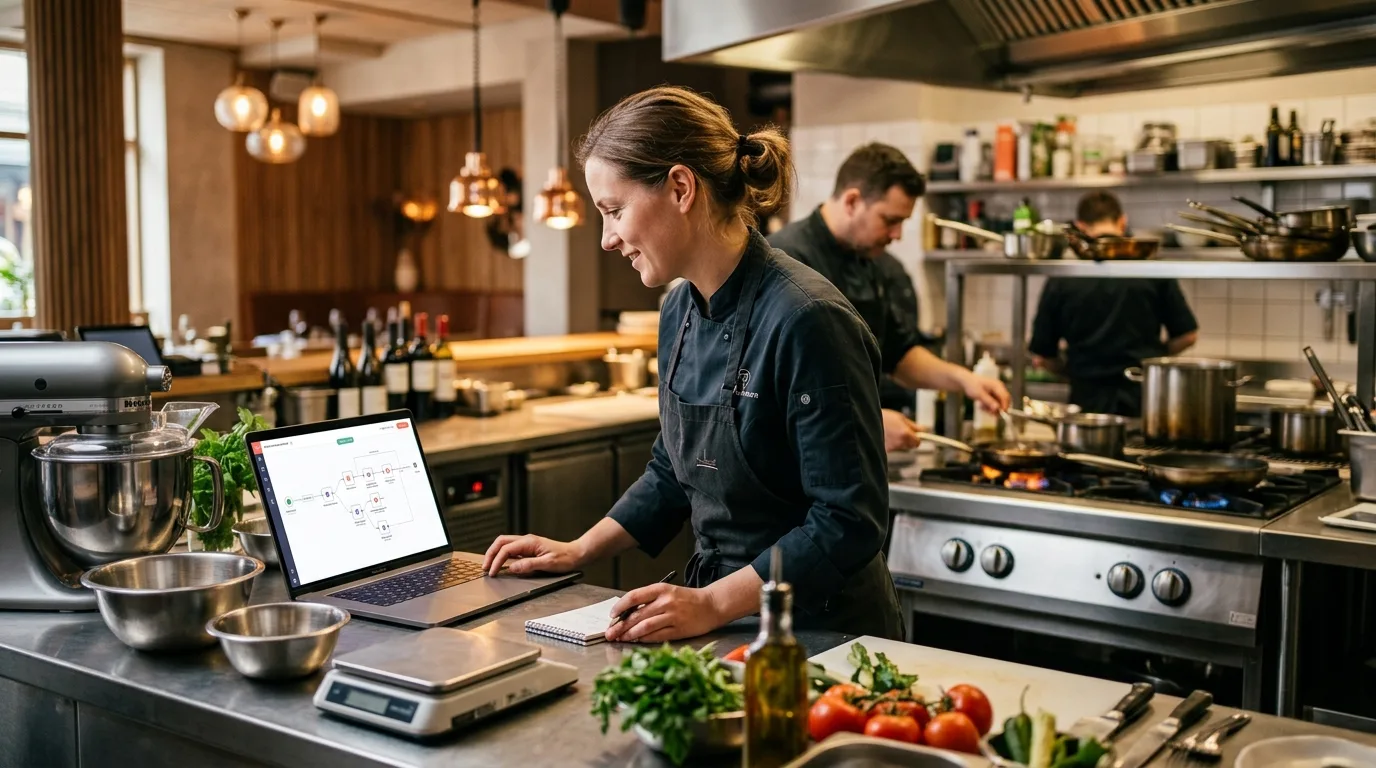
Most restaurants that automate with Zapier are leaving serious money on the table. Not because Zapier doesn't work — it does — but because at the task volumes a busy restaurant generates, Zapier gets expensive fast. n8n, which is open-source and self-hostable, runs the same workflows at a fraction of the cost.
n8n raised $180M at a $2.5B valuation in October 2025, now serves 230,000+ active users and 3,000+ enterprise customers — including Vodafone and Delivery Hero — and costs 80–90% less than Zapier at high-volume automation (Cipher Projects, 2026). For a restaurant running 20–50 automated tasks daily, that gap is real money.
This post walks through 6 specific n8n workflows built for restaurant operations: what each one does, which nodes you need, and what each pays back. It's a do-it-yourself guide; when I build systems for clients, I write custom code instead, but n8n is a solid choice if you want to run it yourself. If you're still deciding between platforms before committing to a build, Make.com vs Zapier vs n8n covers the full pricing math and feature trade-offs side by side.
Key Takeaways
- n8n now serves 230,000+ active users globally and raised $180M at a $2.5B valuation in October 2025 (n8n blog)
- Full-service restaurant labor averaged 36.5% of sales in 2024 — profitable operators held it to 34.2% vs. 42.9% for money-losing ones (National Restaurant Association, 2025)
- Automating inventory alone saves 5–6 hours of manager time per week (Chowly, 2025)
- Automated reservation reminders reduce no-shows by 30–50% (Tableo, 2025)
- 76% of restaurants now use 3+ automated tools; those adding tech report a 20% revenue lift from self-ordering alone (Restroworks, 2025)
Why Does n8n Make More Sense Than Zapier for Restaurants?
n8n's self-hosted model eliminates per-task pricing entirely. Zapier charges $0.01–$0.02 per task at scale — cheap until you're running 50,000 tasks a month. That's $500–$1,000/month for the platform alone. n8n on a $6/month VPS costs the same whether you run 5,000 or 500,000 tasks. For restaurants with high-frequency triggers — every sale, every reservation, every review — the math shifts quickly.
According to Cipher Projects' 2026 automation comparison, n8n reduces automation costs by 80–90% vs. Zapier at high execution volumes due to its self-hosting model and per-workflow (not per-task) execution structure. That means a restaurant building serious operational infrastructure pays once for setup and almost nothing to run.
n8n isn't easier to start with than Make.com — expect a steeper learning curve. But once you've built the first workflow, the rest come quickly. If you're brand new to automation, our Make.com getting started guide covers the basics before you commit to a platform.
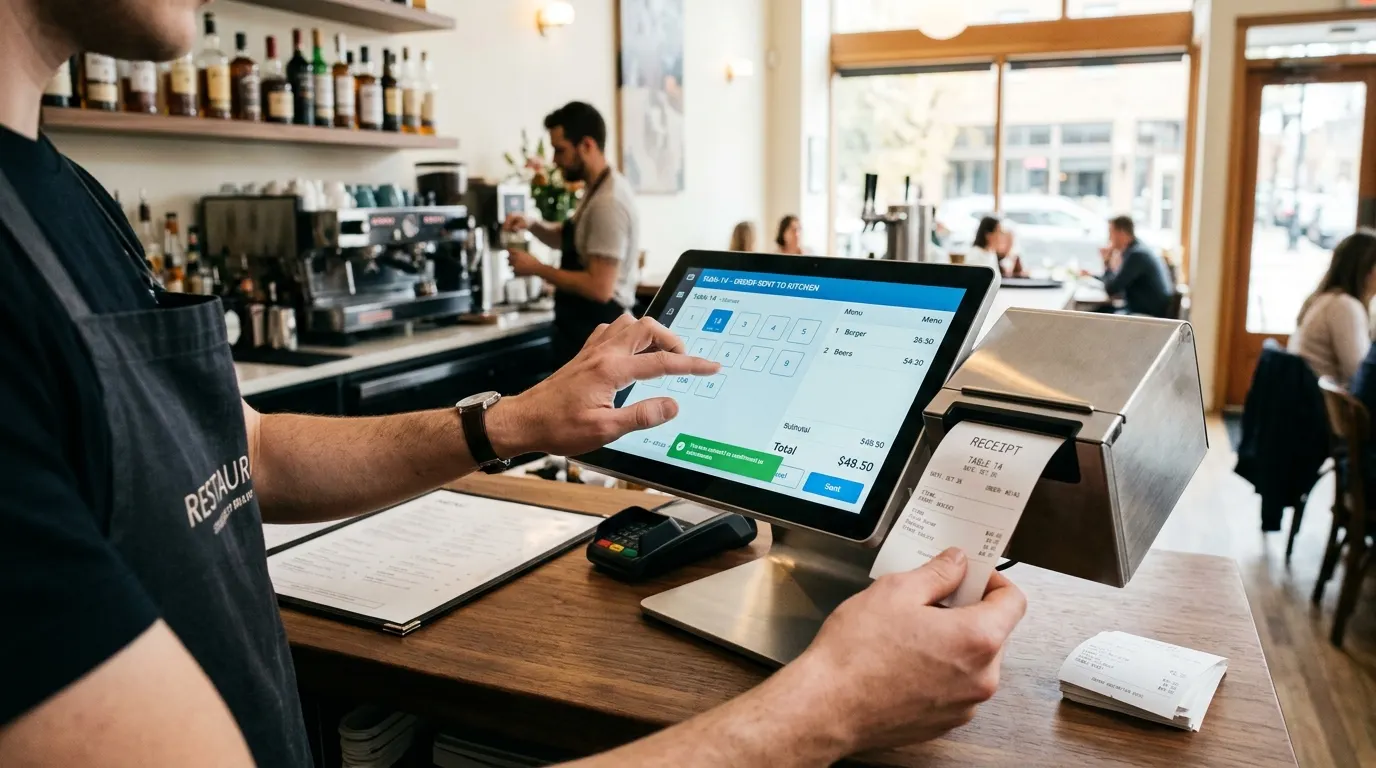
Workflow 1: Reservation Confirmations and No-Show Reduction
Automated reservation reminders reduce no-shows by 30–50%, according to Tableo's 2025 Reservation Statistics Report. With the average urban no-show rate sitting at 10–20% and 75% of restaurants now accepting reservations, this is the fastest-payback automation on this list.
How it works in n8n:
- Webhook trigger — OpenTable, Resy, or a Google Form fires a webhook when a new reservation is created
- Wait node — Delay until 48 hours before the reservation time
- HTTP Request node — Send a WhatsApp or SMS confirmation via Twilio: "Hi [Name], your table for [Party Size] is confirmed for [Date/Time]. Reply C to confirm or X to cancel."
- IF node — If no reply after 12 hours, trigger a second reminder at the 2-hour mark
- Google Sheets node — Log confirmation status; flag unconfirmed reservations for the host team
Setup time: 2–3 hours with developer help; 4–6 hours learning n8n for the first time.
Payback: Recover 3–5 covers per week at a $60–$80 average check. That's roughly $700–$1,600/month in revenue that currently walks out the door as an empty table.
For Mexico-based restaurants, run this same workflow over WhatsApp instead of SMS — WhatsApp automation for restaurants in Mexico covers the full six-workflow setup, including the BSP setup and Meta template approval gotchas. For the full economics of no-show prevention — including prepayment and deposit strategies — see how restaurants are cutting no-show rates with reminders and deposits.
Workflow 2: Inventory Reorder Alerts
Restaurant managers spend 5–7 hours per week on manual inventory (Supy via Chowly, 2025). This workflow doesn't replace a full inventory system — it adds the most valuable piece: automatic alerts when stock drops to par level before a supplier window closes.
How it works in n8n:
- Schedule trigger — Runs every morning at 8 AM
- Google Sheets node — Reads your inventory tracker (columns: Item, Current Stock, Par Level, Supplier Email)
- IF node — Filters rows where Current Stock ≤ Par Level
- Gmail node — Sends a reorder email to each supplier with item name and quantity needed
- Slack/WhatsApp node — Sends a summary to the manager: "3 items below par. Emails sent to 2 suppliers."
Setup time: 2 hours.
Payback: Preventing 1–2 stockout events per month is the win. A single 86'd menu item on a busy Friday costs $300–$800 in missed revenue — more if it's a signature dish.
This workflow pairs naturally with a dedicated AI inventory platform. Our AI restaurant inventory management guide covers which tools go deepest on waste reduction and automated purchasing.
Workflow 3: Google Review Monitoring and Auto-Response
58% of restaurant operators are increasing IT budgets in 2025, with review management a top priority (Hospitality Technology 2025 Study via HRS International, 2025). The problem: most are still responding manually, which means slow replies and inconsistent tone.
How it works in n8n:
- Schedule trigger — Runs every 2 hours
- HTTP Request node — Polls Google My Business API for reviews posted in the last 2 hours
- IF node — Checks if the review has no response yet
- HTTP Request node — Sends the review text to OpenAI or Claude API along with your response guidelines (tone, key phrases, language)
- Gmail node — Sends a draft response to the owner's inbox for one-click approval
- HTTP Request node (optional) — Auto-posts if the star rating is ≥ 4 (set this threshold carefully)
Setup time: 3–4 hours (Google My Business API setup adds the most complexity).
Payback: Responding to 80%+ of reviews within 24 hours improves local search ranking and signals responsiveness to new guests scanning your profile.
How it works in practice: The workflow drafts responses in both English and Spanish, with the language detected automatically from the review text. The owner approves from their phone in seconds, so every review gets an answer without adding work. Bilingual review responses are one of the AI use cases for Los Cabos businesses in 2026, alongside reservation bots, vacation rental cleaner dispatching, and tour operator lead routing. For a complete review management strategy, see AI-powered review management for hospitality businesses.
Workflow 4: Daily Sales Summary to WhatsApp
69% of restaurant operators who added new technology say their operations became more efficient (Hospitality Technology 2025 Study). The simplest version of that efficiency: knowing your numbers before you go to sleep without asking anyone to compile them.
How it works in n8n:
- Schedule trigger — Every night at 11:30 PM
- HTTP Request node — Pulls today's sales data from your POS API (Toast, Square, and Lightspeed all have REST APIs)
- Function node — Calculates total revenue, covers, average check, and top-selling item
- Twilio/WhatsApp node — Sends a formatted message: "Tonight: $4,820 | 112 covers | Avg check $43 | Top item: Fish Tacos (42 sold)"
Setup time: 1.5–2 hours (POS API access is the main variable).
Payback: Eliminates 15–20 minutes of daily manual report pulling. More importantly, owners who see daily numbers catch cost spikes weeks earlier than those who wait for monthly statements.
Workflow 5: Staff Shift Reminders
Manual no-call-no-shows are costly. An automated shift reminder doesn't prevent all of them, but it eliminates "I forgot" — and that covers a meaningful percentage.
How it works in n8n:
- Schedule trigger — Every day at 6 AM
- Google Sheets node — Reads tomorrow's schedule (columns: Name, Phone, Shift Start, Position)
- Loop node — Iterates over each employee on shift in the next 24 hours
- Twilio/WhatsApp node — "Hi [Name], your [Position] shift starts tomorrow at [Time]. Reply OK to confirm."
- Google Sheets node — Logs confirmations; flags non-responders for the manager
Setup time: 2 hours.
Payback: Even one prevented no-show per month covers the workflow's setup cost. For restaurants paying $18–22/hour for floor staff, an emergency cover call costs $100–$200+ in scramble time and management distraction.
Workflow 6: Supplier Invoice Processing
This one saves admin time, not front-of-house revenue — but it compounds fast across a full month.
How it works in n8n:
- Gmail trigger — Watches for emails from supplier addresses that include a PDF attachment
- HTTP Request node — Sends the PDF to a document parser (Mindee or Affinda both integrate cleanly with n8n)
- Function node — Extracts vendor name, invoice number, line items, total, and due date
- Google Sheets node — Appends extracted data to your cost tracker
- Gmail node — Auto-files the invoice email and replies with "Received — logged to tracker"
Setup time: 3–4 hours (document parser testing adds time).
Payback: Saves 2–4 hours per week of manual data entry. At $25/hour admin labor, that's $200–$400/month recovered — plus fewer late-payment fees on overlooked invoices.
A pattern worth following: The restaurants that get the most out of automation aren't the ones that automate the most workflows — they're the ones that pick two or three workflows closest to a real revenue leak and build those first. Workflow 1 (no-shows) + Workflow 4 (daily reports) is the combination I'd start with. Payback is fast, setup is straightforward, and the wins show up quickly.
How to Get Started with n8n for Your Restaurant
Start with n8n Cloud before committing to self-hosting. n8n Cloud starts at $20/month, requires zero server setup, and gives you the full platform to build and test. Once you've validated 2–3 workflows and understand your task volume, decide whether migrating to self-hosted makes financial sense.
Here's a realistic starting sequence:
- Create an n8n Cloud account — 14-day free trial, no credit card required
- Build Workflow 4 first (Daily Sales Summary) — it's the simplest trigger/output pair and gives you a daily win
- Add Workflow 1 (Reservation Reminders) in week two
- Measure for 30 days — track time saved and revenue recovered
- Migrate to self-hosted (optional) once you're running 5+ active workflows with predictable task volumes
For a broader look at how automation tools stack up against each other, our guide on how to choose the right AI automation tools covers the full comparison.
For restaurant operators in Los Cabos or the Baja California peninsula, the implementation priorities shift — local vendors, bilingual guests, and peso-dollar cost dynamics change which workflows pay back fastest. Our guía completa de automatización IA para restaurantes en Los Cabos covers the Mexico-specific roadmap in full (en español).
If you want help scoping which workflows make the most sense for your specific setup, book a free 30-minute discovery call. I'll map the 2–3 highest-ROI automations for your operation before you write a single node.
Rather not build it yourself? I design, build and run custom AI systems for owner-operators, sales and marketing teams, and startups in Los Cabos and across the US, in English and Spanish. See how I work and what it costs.
Frequently Asked Questions
Do I need a developer to set up n8n for my restaurant?
Not necessarily. n8n Cloud requires no server setup, and the visual workflow builder is learnable without coding. Workflows 4 and 5 in this post can be built by a non-developer in 2–4 hours. Workflows 1, 3, and 6 involve external APIs and are faster with a developer who knows n8n. Budget $200–$800 for setup help if you want a full suite implemented in a week.
How does n8n compare to Make.com for restaurants?
Make.com has a gentler learning curve and better beginner documentation. n8n wins on cost at scale and gives more control over complex logic. For a restaurant just starting out, Make.com is often the faster path. For one running 30+ workflows daily, n8n's self-hosted model saves $300–$700/month vs. Make.com enterprise pricing — making it the better long-term investment once you have validated workflows to run.
What POS systems connect to n8n?
Toast, Square, and Lightspeed all have REST APIs that n8n connects to via HTTP Request nodes. Community-built n8n nodes exist for Square and some Toast endpoints. OpenTable and Resy both support webhooks, making Workflow 1 (reservation confirmations) straightforward. Clover and Revel have API access with more setup complexity.
Is n8n self-hosting secure enough for restaurant data?
Yes — with proper configuration. Use HTTPS, enable authentication on your n8n instance, and keep the server behind a firewall or VPN. n8n doesn't store payment card data, so PCI compliance scope stays narrow. The main risk is poor credential management: store all API keys in n8n's built-in Credentials vault, never hardcoded in nodes.
What does it realistically cost to implement all 6 workflows?
Budget $400–$1,200 for initial developer setup, $6–$20/month for hosting (self-hosted VPS or n8n Cloud), and $30–$80/month for third-party services like Twilio (SMS/WhatsApp) and a document parser. Total ongoing cost: roughly $50–$100/month. If the no-show and admin workflows recover even a few covers and a few hours a week, that ongoing cost is covered. For a full ROI framework, see our AI automation ROI guide.
Bottom Line
n8n isn't the easiest automation tool to learn — but for restaurants running real operational workflows at volume, it's the most cost-effective option by a significant margin. Start with Workflow 1 (reservation confirmations) and Workflow 4 (daily sales summary), validate the payback in 30 days, then build from there.
Restaurants that get real savings from automation usually don't automate everything at once. They pick the workflows closest to a revenue leak, build those first, and expand once the ROI is visible.